

Your photographer covers the ceremony, the portraits and the first dance. Your guests cover everything else: the table that laughed all night, your aunt on the dance floor, the view from the back row. The hard part is getting those pictures from a hundred phones into one place. The simplest way to collect wedding photos from guests is to choose one place for them before the day, tell guests where it is, and make adding a photo take less effort than forgetting to.
Of couples married in 2025 hired a professional photographer.
The Knot, 10,474 couplesGuests at the average wedding in 2025.
The Knot, 10,474 couplesOf couples marrying in 2026 plan to create their own social-first content on the day, or ask friends to help.
Zola, 11,500+ couplesWhy guest photos matter even with a photographer
Hiring a photographer is close to universal. The Knot's 2026 Real Weddings Study, based on 10,474 US couples married in 2025, found that 88% hired one, and the average wedding had 117 guests. A photographer follows the two of you. Guests are spread across the room, at tables and in corners the photographer never reaches.
Couples are also planning casual pictures and video of the day. Zola's 2026 First Look Report, a survey of more than 11,500 couples marrying in 2026, found that 21% plan to make their own social-first content on the day, themselves or with friends' help, and that 40% of those couples also ask their photographer and videographer to capture it. Much of that content will be shot on the phones already in the room.
I've spent more than fifteen years behind a camera, a lot of it at weddings. At one wedding, while the couple posed for photos, I noticed the groom's grandfather wiping his eyes from a distance. Then his wife took his hand, and he smiled. Nobody else saw it. Weeks later, that was the photo that moved them most. The best moments tend to happen between the big ones. One camera can't be at every table, and your guests are already there.
Five ways to gather guest photos, compared
Most couples use one of these, sometimes two. The difference is what each asks of a guest on the night, and where the pictures end up the week after. This comparison is our own.
What a guest does: scans the code and picks photos from their phone. Where the photos end up: in one album, sent by the guests themselves.
What a guest does: joins the thread and posts photos. Where the photos end up: in one thread, mixed in with messages.
What a guest does: takes pictures on film. Where the photos end up: on film that has to be developed and scanned.
What a guest does: posts on social media with the tag. Where the photos end up: on each guest's own account, if they post and tag it.
What a guest does: remembers to send them later. Where the photos end up: wherever each guest decides to send them.
A shared album does not have to be a wedding product. A Google Photos shared album or an iCloud Shared Album can collect photos from a link too. Google's help page says anyone with the link to a shared album can view it and add to it, and Apple's, updated in September 2026, says friends and family can join and contribute on the web without an Apple Account or Apple device. Before you choose, check three things: who can see what guests add, whether guests see each other's photos, and how long the album stays open.
A shared album asks the least on the night and leaves the least to chase later. A hashtag only gathers what guests choose to post publicly, and asking one by one depends on everyone remembering, a week after a long day. Disposable cameras are a lovely keepsake in their own right; if you use them, treat the film as a bonus to the phone photos, not a replacement.
Tell guests before the wedding
Guests can only send photos to a place they know about. A line on the invitation or the wedding website does it: where the album is, that it opens on the day, and how long it stays open. If you want an unplugged ceremony, say that in the same place, and say when phones are welcome again, so the request and the album read as one plan.
- Choose one place for the photos before the invitations go out, so the wording is the same everywhere.
- Add a short line to the invitation or website, for example: "Take all the photos you like at the reception. On the day, a card on your table will show you where to add them."
- If the ceremony is unplugged, say so ahead of time and say that phones come back out at cocktail hour.
- Ask your officiant, emcee or DJ to mention the album once during the reception.
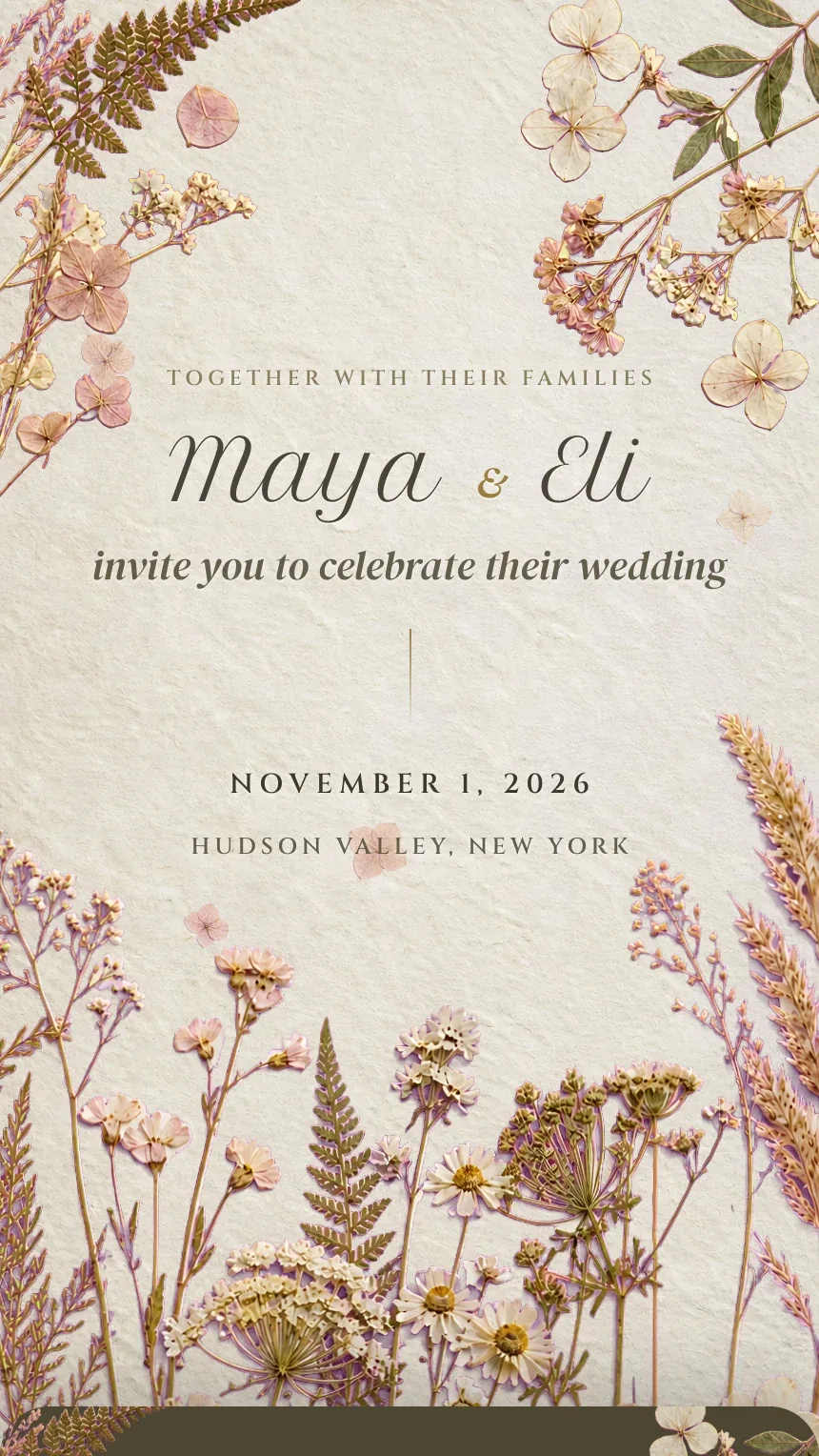
For what else belongs on the invitation itself, see what to put on a wedding invitation.
On the day: a card on every table
A QR code on each table is the step that turns good intentions into photos. A guest who is already holding their phone can scan it in a second, without typing an address. Print it large enough to scan from a seat, with a short line that says what it is and whether an app is needed. Our QR codes on wedding invitations guide covers sizes and how to test a printed code before the day.
After the wedding: gather, then sort
Guests keep taking pictures after the last song and they keep finding them on their phones for days. Leave the album open for a day or two after the wedding, so people who travel home still have time. Then look through what came in, hide anything you would rather not keep, and download the whole set to your own computer.
- Before the invitationsChoose where the photos go
One album, one link, one line of wording.
- On the invitationTell guests
Where the album is and when it opens.
- The wedding dayCards on every table
And one mention from the emcee or DJ.
- The next two daysKeep it open
Guests who traveled can still add theirs.
- The week afterSort and download
Hide what you do not want, save the rest, and thank your guests.
How our photo album works
The morning after, you should be on the couch looking at your photos, not texting everyone to send them. That is why The Digital Envelope built a guest photo album next to our digital wedding invitations. Your dashboard shows a QR code and a page of table cards on US Letter, eight or four to a sheet. A guest scans the code, taps Add your photographs and picks pictures from their phone, with no account and nothing to install. The album opens on your wedding day and stays open for two more days. The album lives in your dashboard, not on a public page; guests see a thank you, not each other's pictures.
In the dashboard you can hide a photo, which removes it from your album without deleting it, and download everything in one go. The photos stay yours for a year after the wedding, and you can keep them online another year for $19.99. The album takes photographs, not videos; if guests' videos matter to you, a shared album that accepts video can sit alongside it. It is a $29.99 add-on to Classic, and it is included with Signature. If you are still deciding whether you need a separate wedding website as well, digital wedding invitation vs wedding website walks through it.
Everything in one place, so nobody has to call you. The invitation, the replies and the album your guests fill on the night.
See the designsHow we put this together. On September 30, 2026 we read The Knot Worldwide's release on its 2026 Real Weddings Study, Zola's 2026 First Look Report, and the help pages Google and Apple publish for shared albums. Each figure is credited where it is used. The comparison, the checklist and the timeline are our own; the description of our album comes from how the product works today.
- The Knot Worldwide, The Knot Worldwide Unveils 2026 Real Wedding Study, February 18, 2026
- Zola, 2026 Wedding Trends: Zola's First Look Report, March 19, 2026
- Google, Share photos & videos (Google Photos Help), Accessed September 30, 2026
- Apple, How to use Shared Albums in Photos on your iPhone, iPad, or Apple Vision Pro, September 14, 2026
Questions people ask
- What is the easiest way to get photos from wedding guests?
- A shared album that guests reach from a QR code on their table. They scan, choose pictures from their phone, and send them, while they are still at the reception. Asking afterward works too, but it depends on each guest remembering days later.
- Do guests need to download an app to share wedding photos?
- Not necessarily. An album that opens in the phone's browser needs nothing installed, and Apple now lets people contribute to an iCloud Shared Album on the web without an Apple device. Whichever you use, say on the table card whether an app is needed, so nobody hesitates before scanning.
- How long should a wedding photo album stay open for guests?
- Through the wedding day and a day or two after is enough for most weddings. Guests who travel home the next day still have time, and you get the full set while the day is fresh.
- Can we ask for an unplugged ceremony and still collect guest photos?
- Yes. Ask for phones away during the ceremony, and say that they are welcome from cocktail hour on. Guests then know both the request and where to send the pictures they take at the reception.
- Does The Digital Envelope have a guest photo album?
- Yes. It is a $29.99 add-on to Classic, included with Signature. Guests add photographs by QR code without an account, guests do not see the album, and it stays open on the wedding day and for two days after. It takes photos, not videos.