

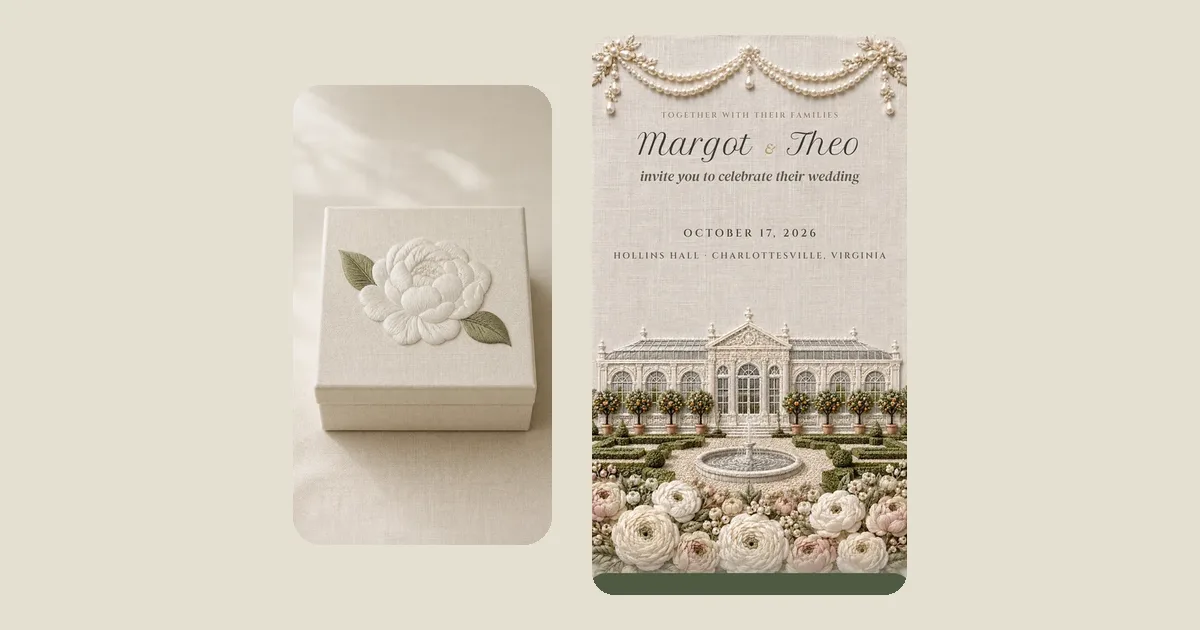
We make digital wedding invitations, so this page is not neutral. But it is honest, and it shows the actual screens rather than describing them. If you are trying to understand what "digital invitation with RSVP" means in practice, this is the whole thing in six pictures.
1. The guest gets a link
By text, usually, from you, with a line in your own words. There is nothing to download and no account to make. The link opens in the phone's browser like any web page, except that an envelope comes first, then a wax seal, and on the first touch, music.
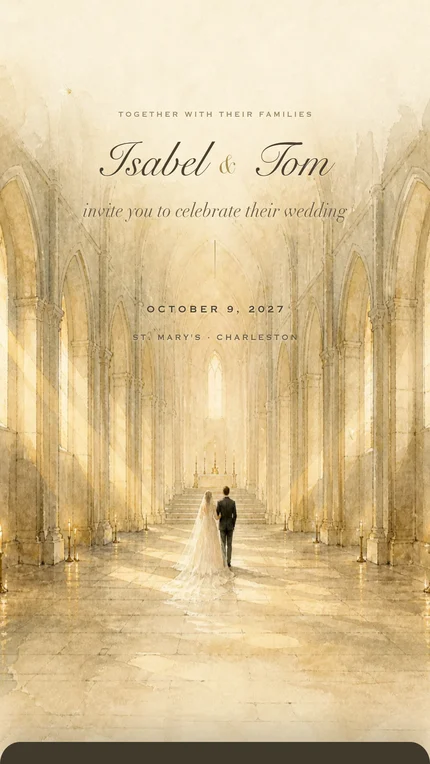
2. They read down the page
Under the first screen come the sections you switched on: your story, the order of the day, the venue with a map, where to stay, the dress code, gifts, questions guests ask. Each is a short block. You write them in your own words in the editor; the design keeps them looking like part of the invitation.
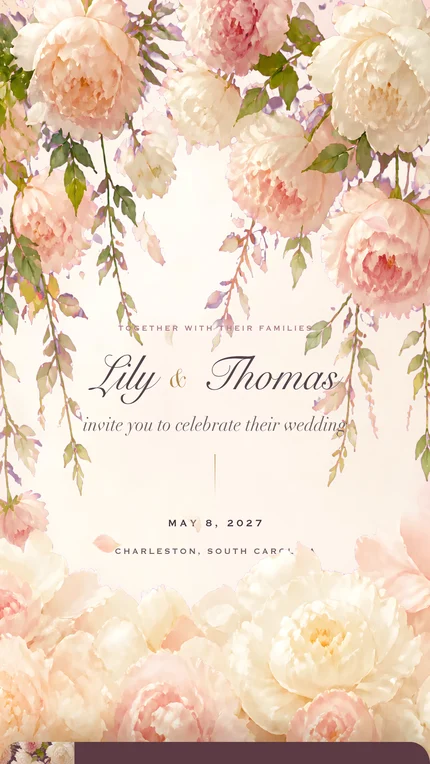
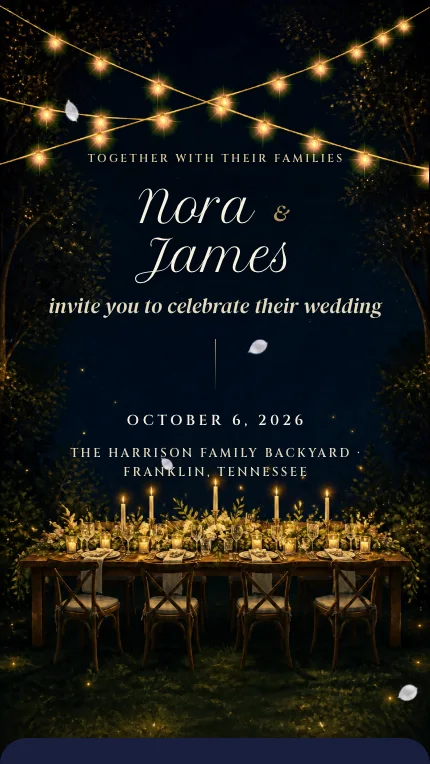
3. They reply on the page
At the bottom of the invitation is the reply. A guest types their name; if you have added your guest list, it matches the name and opens the household, so a family of four replies once with four names. For each person: coming or not, a meal if you offer a choice, and one open line for allergies in their own words. Optionally a song they would like to hear and a note to you.
Each name on your list can reply once. That single rule removes the duplicate reply, the reply from someone you did not invite, and the mystery plus-one. If plans shift, the guest writes to you and you change the answer from the dashboard in a minute.
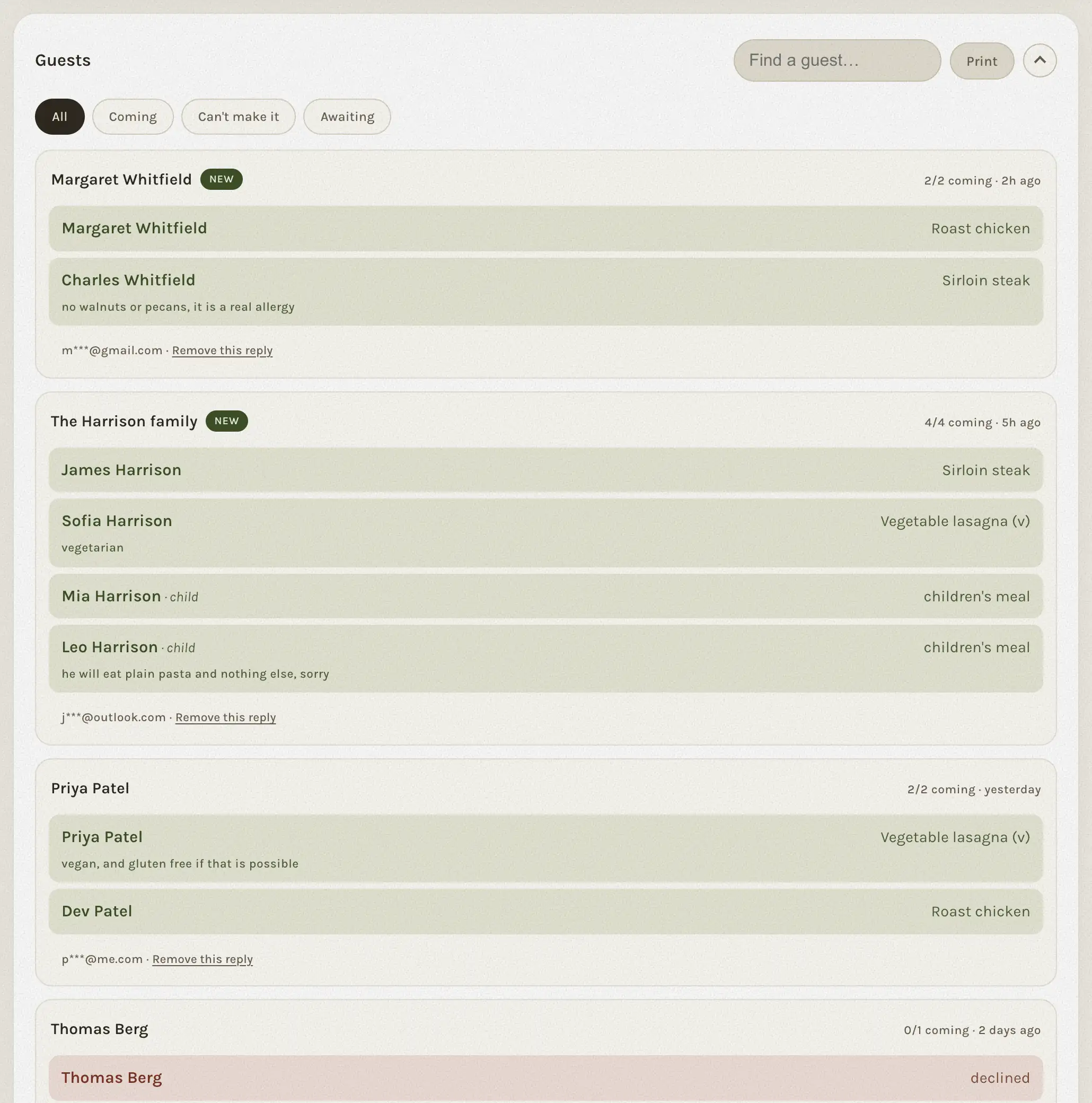
4. You see it land
The reply arrives in your dashboard as a household, counted. Who is coming, who cannot, who is still to reply. New replies since your last visit are marked. Search finds anyone in a second. A reminder with the household's name is one tap to copy into a text.
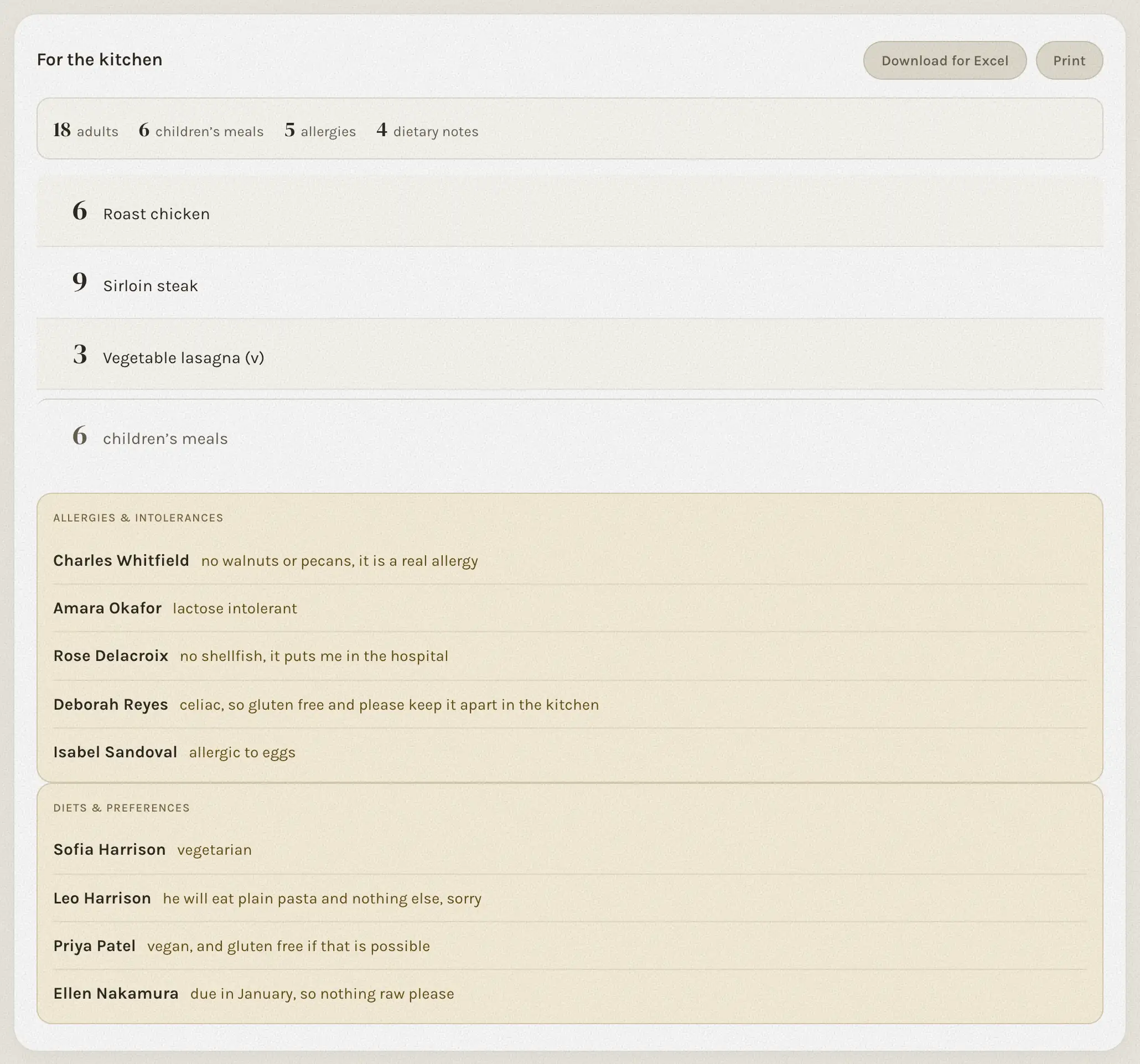
5. The kitchen list writes itself
Every meal choice is counted per dish. Every allergy sits next to a name, typed by the guest. Children's meals are separate. One button turns it into a spreadsheet for the caterer; another prints it.
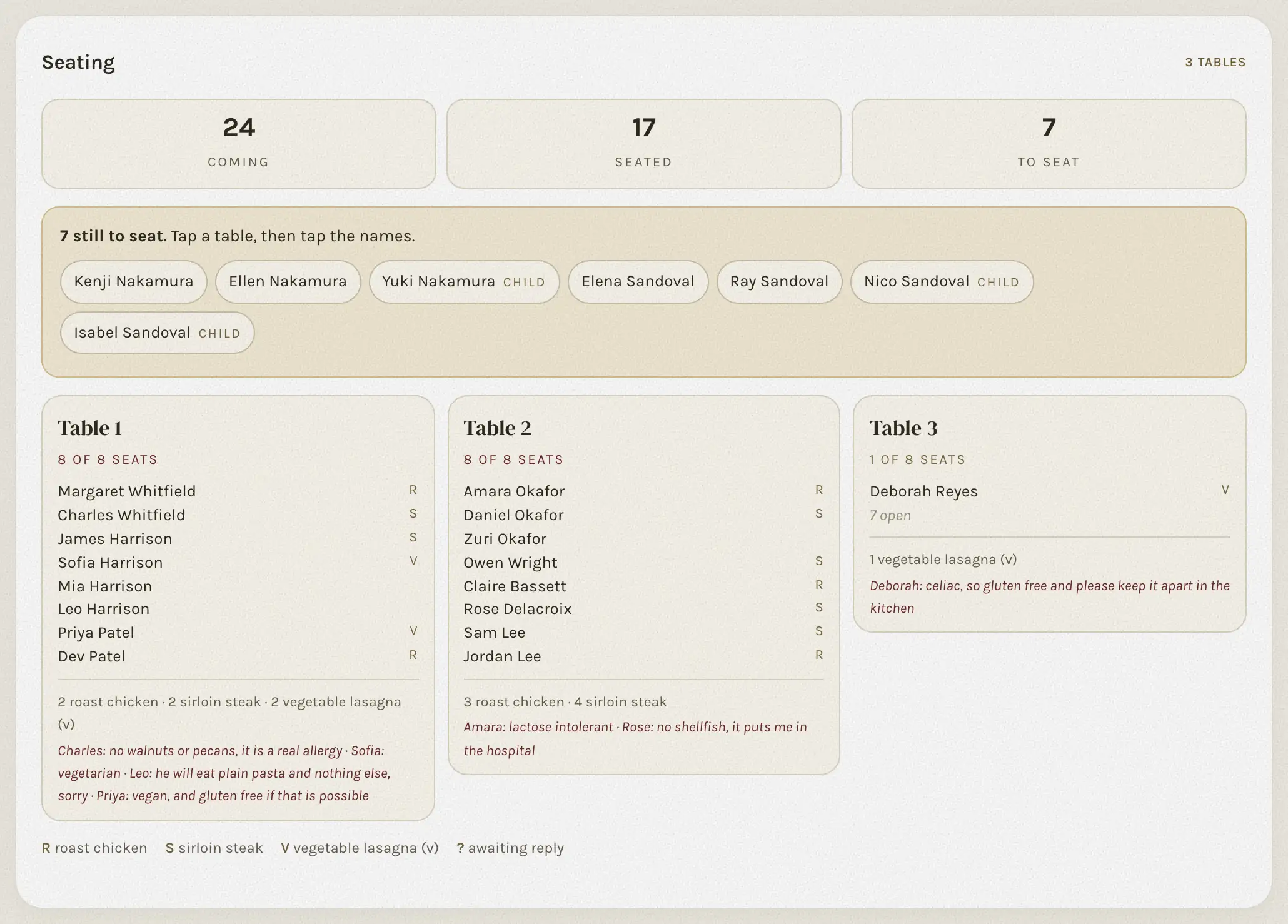
6. Then the seating chart, the album, and the rest
From the same replies: a seating chart where each table is a card and you tap names to seat them, printable in three sheets for your planner. A guest photo album with a QR card for the tables, so photos land in one place on the day. Notes and song requests from your guests, kept. And you can share the whole dashboard with your partner, a parent, or your planner, with their own email and no password.
What it costs, and what it does not
Classic is $99, one payment, for up to 100 guests replying: the invitation, the reply, the dashboard, the kitchen list, the seating chart, sharing with your partner. Signature is $199 with no guest limit, your own photograph on the first screen, your choice of song from our library, and the guest photo album included. A Save the Date in the same design is $29.99. There is no subscription, and guests never pay anything.
What it does not do: it does not print, it does not post, and it does not send the invitation for you. You send the link, household by household, in your own words. That last part is the point; an invitation should come from a person.
See it before you buy
Every design opens on your phone from the catalogue, envelope and all, and the page on animated wedding invitations shows the opening on film. The dashboard has a live sample you can click around, filled with replies we wrote. And you can build your own invitation with your names before paying a cent; it is kept for fourteen days.
47 designs in six styles. Open any of them on your phone, then open the sample dashboard and see where the replies go.
See the designsOr start with the board: every screen of the dashboard, real, filled with a sample wedding.
See the dashboardQuestions people ask
- How does RSVP work on a digital wedding invitation?
- The reply sits at the bottom of the invitation page. A guest types their name, which matches your guest list and opens their household, then answers for each person: coming or not, a meal, and a line for allergies. The reply lands in your dashboard, counted.
- Do guests need an app or an account?
- No. The invitation is a link that opens in the phone's browser. No app, no account, and nothing for the guest to pay.
- Can guests change their RSVP?
- Each name replies once. If something changes, the guest tells you and you correct the reply from the dashboard, or write one in yourself for a guest who told you by phone.
- How do I stop uninvited people from replying?
- Add your guest list. Guests reply by picking their name from it, each name can answer once, and only the names on your list can reply.
- What does a digital wedding invitation with RSVP cost?
- At The Digital Envelope, Classic is $99 for up to 100 guests replying and Signature is $199 with no limit, both one-time. A Save the Date in the same design is $29.99.